

Cut the Cord: Upgrading Factory Wired Infotainment in 2026
Modern vehicles frequently ship with factory-installed Apple CarPlay and Android Auto, yet millions of cars across the United States, the United Kingdom, Canada, and Australia remain restricted to wired-only USB connections. Having to physically connect a smartphone every time you slide into the driver's seat creates cabin clutter, subjects smartphone charging ports to repetitive mechanical strain, and restricts where you can place your handset.
Aftermarket plug-and-play wireless adapters solve this frustration. By plugging a discreet dongle into your vehicle's factory multimedia USB port, you convert a wired protocol into an automatic wireless connection. Industry market analyses project the global wireless conversion segment to expand past $5 billion into the 2030s, and directional consumer demand signals show sustained surges among daily commuters seeking factory-direct solutions under $40 rather than paying $500 to $1,200 for full aftermarket head-unit replacements.
How Wireless CarPlay and Android Auto Adapters Function
Understanding the internal architecture of these dongles helps avoid unrealistic expectations regarding latency and boot times. When you start your engine, the adapter boots up and initiates an initial handshake with your smartphone over low-energy Bluetooth (BLE 5.0 or 5.2). Once pairing is authenticated, the adapter instructs the phone to negotiate a high-bandwidth local Wi-Fi connection (typically on 5.0GHz or 5.8GHz channels).
Bluetooth handles only setup and background call metadata; navigation map streaming, touch responses, and high-bitrate audio transmit entirely over the private 5GHz Wi-Fi link. Dual-band hardware that supports the 5.8GHz band is critical in dense urban traffic to prevent interference from citywide municipal signals, smart toll lanes, and roadside routers.
Native Dual-Protocol vs. Protocol Translation Architecture
Early-generation adapters converted Android Auto traffic into an Apple CarPlay stream to display on vehicles that only supported Apple's interface. While functional, cross-protocol translation introduced audio lag (sometimes 2 to 3 seconds), navigation touch latency, and stuttering frame rates.
Today's top-performing dongles feature native dual-channel architecture. In these units, an iPhone communicates via native CarPlay protocols, while an Android smartphone operates via native Android Auto protocols. This discrete pathing cuts input latency down to imperceptible levels (around 0.2 to 0.5 seconds for audio skips and map scrolling), matching the experience of factory OEM wireless stereos.
Top Verified Wireless Adapters for 2026
CarlinKit 5.0 2air Wireless CarPlay and Android Auto Adapter
The CarlinKit 5.0 2air (model CPC200-2Air) represents the benchmark in dual-platform wireless conversion. Designed specifically for vehicles equipped with factory wired CarPlay and Android Auto, it features true native protocol processing without cross-system translation. The housing includes cooling vents to maintain thermal stability during long-distance highway navigation, and its built-in web management interface allows drivers to adjust frame rates, boot delay, and audio buffering to match their specific head unit.
Verified Specifications
- Wireless Connectivity: Dual-band Wi-Fi (2.4GHz & 5.8GHz), Bluetooth 5.0 BLE
- System Protocols: Discrete native Apple CarPlay & Android Auto
- Compatibility: iPhone 6+ (iOS 10+) and Android 11+ smartphones; factory wired-equipped vehicles
- Connection Latency: 12 to 18 seconds average automatic reconnection upon vehicle start
- Cabling Included: USB-A to USB-C and USB-C to USB-C braided cables
Pros
- Native protocol transmission delivers crisp audio without conversion lag
- Comprehensive browser-based backend (192.168.50.2) allows custom latency and audio delay tuning
- Stable connection resiliency in metropolitan areas due to 5.8GHz frequency allocation
Cons
- Status LED indicator can feel bright during night driving
- Included printed manual provides minimal troubleshooting detail
Original product URL — convert this manually to your Involve Asia deeplink:
https://www.aliexpress.com/item/1005006860781981.html
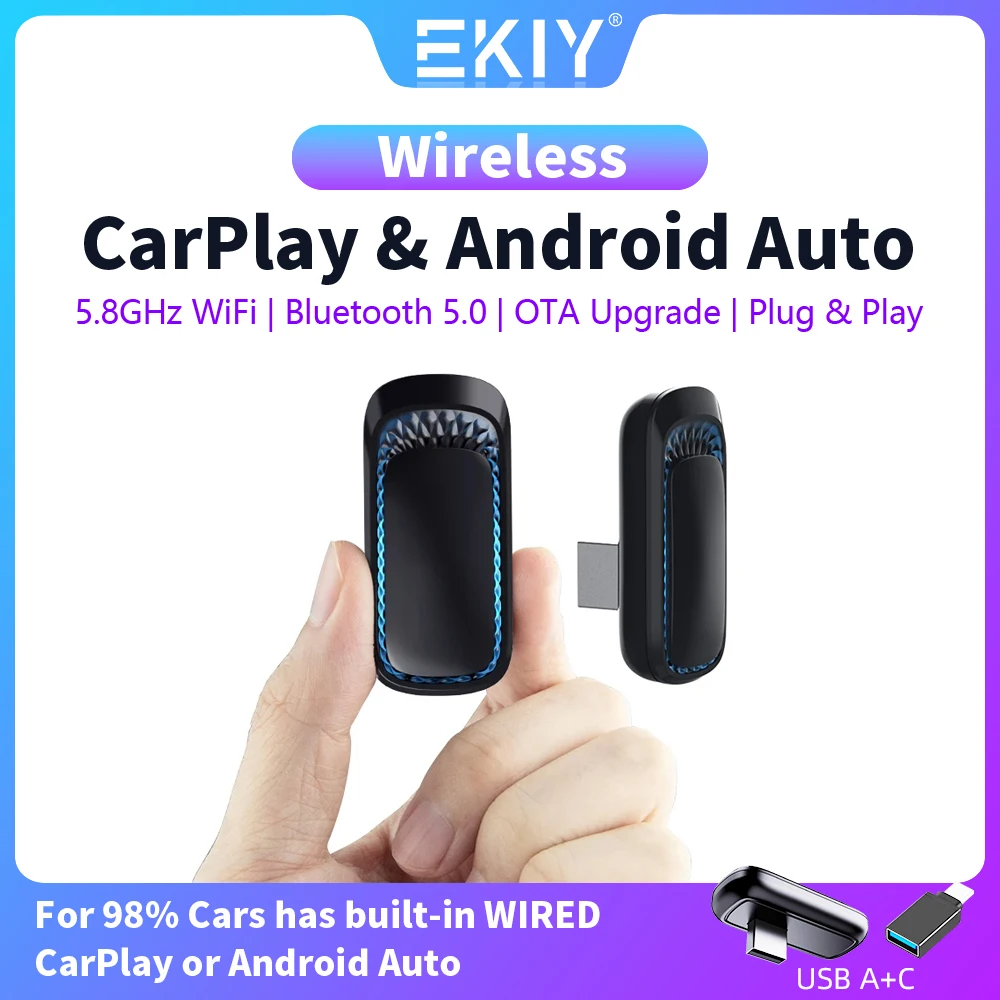
EKIY 2-in-1 Wireless CarPlay & Android Auto Smart Box
The EKIY 2-in-1 Smart Box focuses on plug-and-play simplicity and broad vehicle communication bus compatibility. It integrates a low-power microcontroller that manages fast Bluetooth pairing before transferring heavy multimedia streams over an uninterrupted 5.8GHz Wi-Fi bridge. It preserves factory steering wheel control buttons, center console rotary knobs, and OEM dashboard microphone quality during voice calls.
Verified Specifications
- Wireless Connectivity: 5.8GHz Wi-Fi data tunnel, Bluetooth 5.0 handshake
- Input Power: 5V 1A USB-A or USB-C bus powered
- Compatibility: Cars with OEM wired CarPlay/Android Auto; iOS 10+ and Android 11+
- Connection Latency: 15 to 22 seconds reconnection window
- Firmware Support: Over-the-air (OTA) browser upgrades
Pros
- Clean cabin voice pickup through existing factory microphones
- Smooth turn-by-turn map panning with low touch latency
- Budget-friendly direct pricing compared to domestic retail equivalents
Cons
- Casing runs warm during sustained multi-hour navigation routes
- Web configuration portal has fewer low-level diagnostic controls than CarlinKit
Original product URL — convert this manually to your Involve Asia deeplink:
https://www.aliexpress.com/item/1005006039517824.html
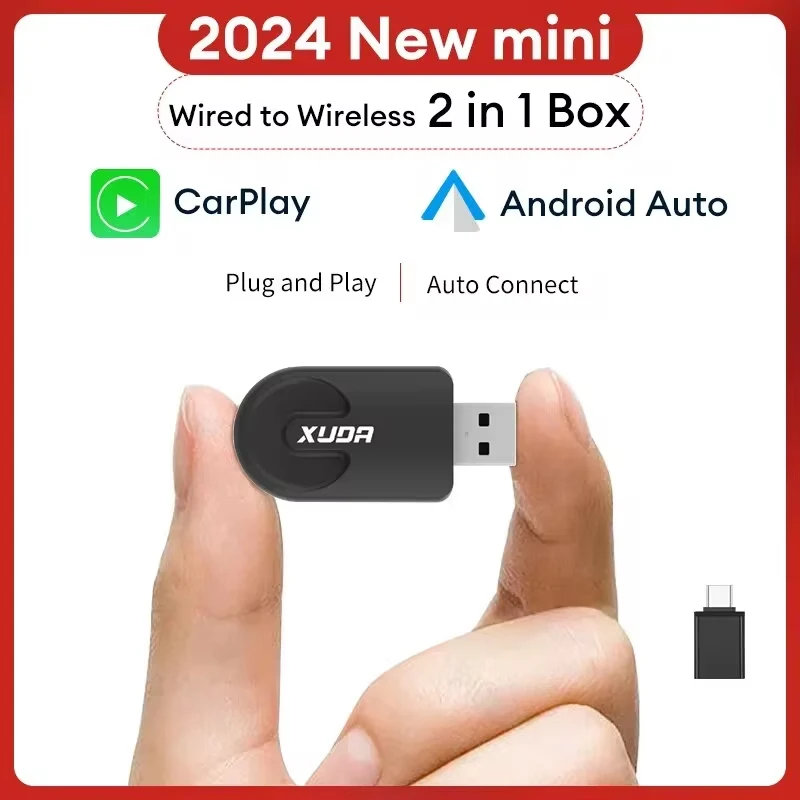
XUDA A5 Mini 2-in-1 Wireless Adapter
For vehicles with cramped console trays, exposed dashboard ports, or tight sliding cubbies, the XUDA A5 Mini delivers an ultra-compact USB stick form factor. Eliminating loose, dangling cords, this unit plugs directly into the vehicle's USB slot like a standard thumb drive. Despite its miniature footprint, it houses a 5GHz Wi-Fi receiver capable of handling high-resolution audio streaming and map rendering without dropping frames.
Verified Specifications
- Form Factor: Direct-plug miniature USB dongle
- Wireless Connectivity: 5GHz Wi-Fi transmission, Bluetooth 5.0
- Power Consumption: Low-draw architecture (under 1W)
- Compatibility: Factory wired CarPlay & Android Auto systems
- Accessories: Compact right-angle/Type-C adapter included for tight clearances
Pros
- Ultra-discreet form factor eliminates dangling cables entirely
- Very low power consumption minimizes electrical load on car ports
- Excellent value for budget-conscious commuters
Cons
- Direct plug-in body can be awkward in recessed or vertical dashboard ports without the 90-degree adapter
- Compact plastic shell offers limited passive heat dissipation
Original product URL — convert this manually to your Involve Asia deeplink:
https://www.aliexpress.com/item/1005006644930281.html
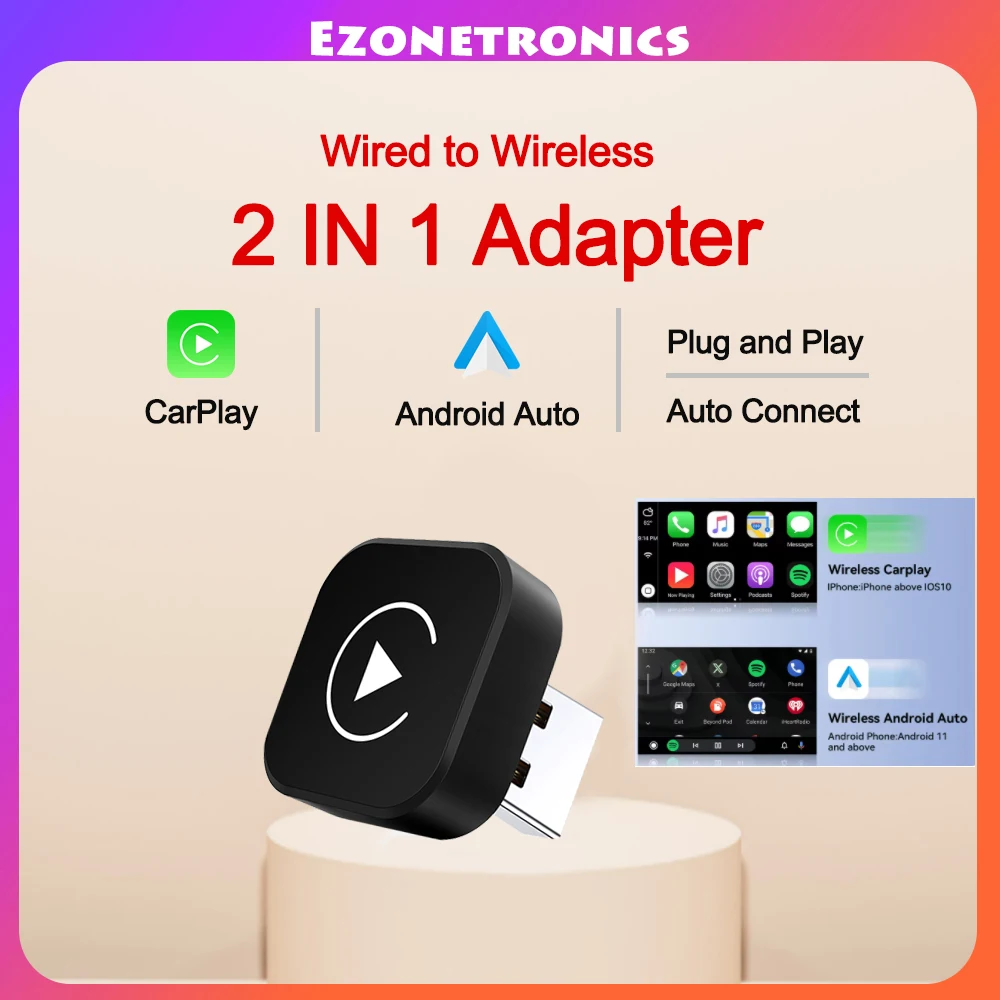
Universal Mini 2-in-1 Wireless CarPlay & Android Auto USB Dongle
This sub-$20 entry-level adapter is built for motorists who want reliable daily wireless connectivity without paying a premium for media streaming features or standalone operating systems. Operating on a 5GHz Wi-Fi standard, it pairs automatically when the vehicle's ignition turns on, routing navigation audio, podcasts, and incoming calls smoothly to the infotainment display.
Verified Specifications
- Wireless Connectivity: 5GHz Wi-Fi, Bluetooth 5.0 BLE
- Reconnection Time: 14 to 20 seconds
- Compatibility: Factory wired CarPlay & Android Auto; iOS 10+ and Android 11+
- Form Factor: Compact dongle with short flexible cable
- Controls Supported: Steering wheel controls, touchscreens, OEM control dials
Pros
- Sub-$20 price point lowers the barrier to going wireless
- Zero setup apps required; relies on native mobile operating system pairing
- Short tethered cable reduces mechanical strain on the vehicle's USB port
Cons
- Single-color LED provides minimal status feedback during troubleshooting
- Basic web interface with fewer granular audio buffer adjustments
Original product URL — convert this manually to your Involve Asia deeplink:
https://www.aliexpress.com/item/1005007498201058.html
Technical Comparison Matrix
| Model | Wi-Fi Frequencies | Protocol Handling | Avg Reconnect Time | Form Factor |
|---|---|---|---|---|
| CarlinKit 5.0 2air | 5.8GHz / 2.4GHz | Discrete Native CP & AA | 12–18 seconds | Cable Dongle with Vents |
| EKIY 2-in-1 Smart Box | 5.8GHz / 2.4GHz | Native Channel Switching | 15–22 seconds | Low-Profile Cabled Box |
| XUDA A5 Mini | 5.0GHz | Standard Wireless Conversion | 14–20 seconds | Direct USB Stick |
| Universal Mini 2-in-1 | 5.0GHz | Standard Wireless Conversion | 14–20 seconds | Compact Cabled Dongle |
Buying Checklist: Ensuring Vehicle & Phone Compatibility
- Factory Wired Prerequisite: No wireless adapter can add CarPlay or Android Auto to a head unit that lacks wired capability from the factory. Test your car first by plugging your phone directly via a certified USB cable; the infotainment screen must launch CarPlay or Android Auto natively.
- Dual-User Household Switching: If two drivers share the car with different phones (e.g., iPhone and Samsung Galaxy), native dual-protocol models like the CarlinKit 5.0 2air allow manual device selection in their browser dashboard, avoiding accidental connection hijacking.
- Vehicle USB Power-Down Behavior: Certain vehicles (notably select Ford, Volkswagen, and BMW models) keep the USB data ports energized for 10 to 20 minutes after locking the car. Ensure the adapter you choose enters an idle low-draw state or features power management to avoid vehicle battery strain.
- Thermal Dissipation: Wireless streaming generates internal heat. If you live in warmer climates across the southern US or Australia, select an adapter with external ventilation louvers over an entirely sealed casing.
Troubleshooting & Latency Optimization
Because all wireless adapters bridge audio and screen data across a local Wi-Fi connection, minor audio delays (between 0.5 to 1.5 seconds when skipping tracks) can occasionally occur. You can minimize lag using these proven setup adjustments:
- Access the Web Configuration Portal: When connected to the adapter's Wi-Fi network, open a web browser on your phone and navigate to the manufacturer's IP address (typically
192.168.50.2or192.168.1.101). - Tune Audio Buffering: If track changes feel delayed, lower the audio buffer parameter from 1000ms down to 300ms–500ms. If playback stutters, raise it slightly to stabilize the stream.
- Set Start-Up Delay: If your vehicle's infotainment system loads slowly and fails to detect the USB stick upon key ignition, set a 3- to 5-second boot delay in the adapter's settings page so the stereo finishes booting first.
Frequently Asked Questions
Does a wireless CarPlay adapter drain my phone battery?
Wireless CarPlay and Android Auto use more battery than simple Bluetooth streaming because they keep a continuous 5GHz Wi-Fi link active while running GPS. On commutes under 45 minutes, battery drain is minimal (around 3% to 6%). For long highway trips, pairing your adapter with a standalone fast-charging 12V cigarette lighter plug or Qi charging pad keeps your phone topped up without tethering it to the dashboard data port.
Can I watch YouTube or Netflix on these adapters?
No. Standard plug-and-play wireless adapters support Apple CarPlay and Android Auto navigation, communication, and audio apps (Google Maps, Waze, Apple Music, Spotify, WhatsApp). Apple and Google strictly prohibit video playback while driving. To stream video platforms, you would need an "AI Box" running a full standalone Android OS, which costs substantially more and introduces higher boot times.
Will steering wheel volume and call buttons still work?
Yes. Because the adapter sends data through the vehicle's factory USB communication bus, all existing physical steering wheel buttons, dashboard volume dials, center console control knobs, and factory hands-free microphones remain fully operational.
Conclusion
Transitioning from a restrictive wired cable to an automatic wireless connection is one of the most practical tech upgrades you can make to your daily driver. By selecting a verified dual-band adapter operating on 5.8GHz Wi-Fi—such as the CarlinKit 5.0 2air for deep customization or the XUDA A5 Mini for an ultra-compact footprint—you eliminate cable clutter and port wear while preserving all original factory controls.
اترك رأيك بتعليق